
Dotfiles #
The Journey Before Settling #
Niri paired with Noctalia Shell is my current desktop environment setup, but it certainly wasn’t my first. Having spent a good chunk of time experimenting with various DEs (Desktop Environments) and WMs (Window Managers), here is my experience with each along the way.
-
GNOME
GNOME felt like a bit too much. I prefer my desktop clean and minimalist, and GNOME lacked the out-of-the-box customization needed to strip away the clutter I didn't want. It definitely feels geared toward macOS refugees—my girlfriend uses macOS most of the time and felt instantly comfortable on GNOME compared to any other DE. -
Hyprland
After GNOME, I jumped straight into total customization freedom: Hyprland. That was a major mistake. At the time, I didn't fully understand the difference between a standalone Window Manager and a full Desktop Environment. I tried running Hyprland without a shell, assuming I had to manually glue all the background services and daemons together myself... so I did. I ended up with a tangled spaghetti of intertwined config files and zero visual or functional coherence. Despite the chaos, Hyprland was a fun experiment. I skipped a lot of the learning curve by blindly copying someone else's dotfiles (bad idea). The tiling was fine, but I never really used it to its full potential because I rarely wanted a window smaller than half my screen (foreshadowing!). -
KDE Plasma
Still somewhat confused by the DE vs. WM distinction, I assumed KDE Plasma was just a "more complete" desktop. KDE Plasma became my daily driver for the longest time before I eventually switched to Niri. As a Windows 11 refugee, it felt incredibly familiar while still granting me immense customization freedom. I loved that it "just worked" out of the box while providing a rich GUI for deep system settings. However, I still missed having a dedicated tiling layout. -
Niri (Without Noctalia Shell)
To quench my thirst for tiling, I installed Niri alongside KDE Plasma as a separate session. Unsurprisingly, I *still* hadn't learned my lesson about standalone compositors. Running Niri without a desktop shell meant manually configuring my own daemons and services all over again. These background services started interfering with each other whenever I switched back to KDE Plasma, which kept me from using Niri consistently. On top of that, Niri's main config file gave me Hyprland flashbacks—everything was crammed into a single file, making on-the-fly tweaks a chore. -
Niri WITH Noctalia Shell
After catching a random video reel showcasing Noctalia Shell, I knew I had to try it. I booted into my old Niri setup and installed it immediately. It wasn't smooth sailing at first—my system was still plagued by leftover, conflicting daemons from my previous attempts. It took a hot minute to sanitize my environment. Once the cleanup was done, everything clicked. This is the setup I finally settled on.
The Current Setup #
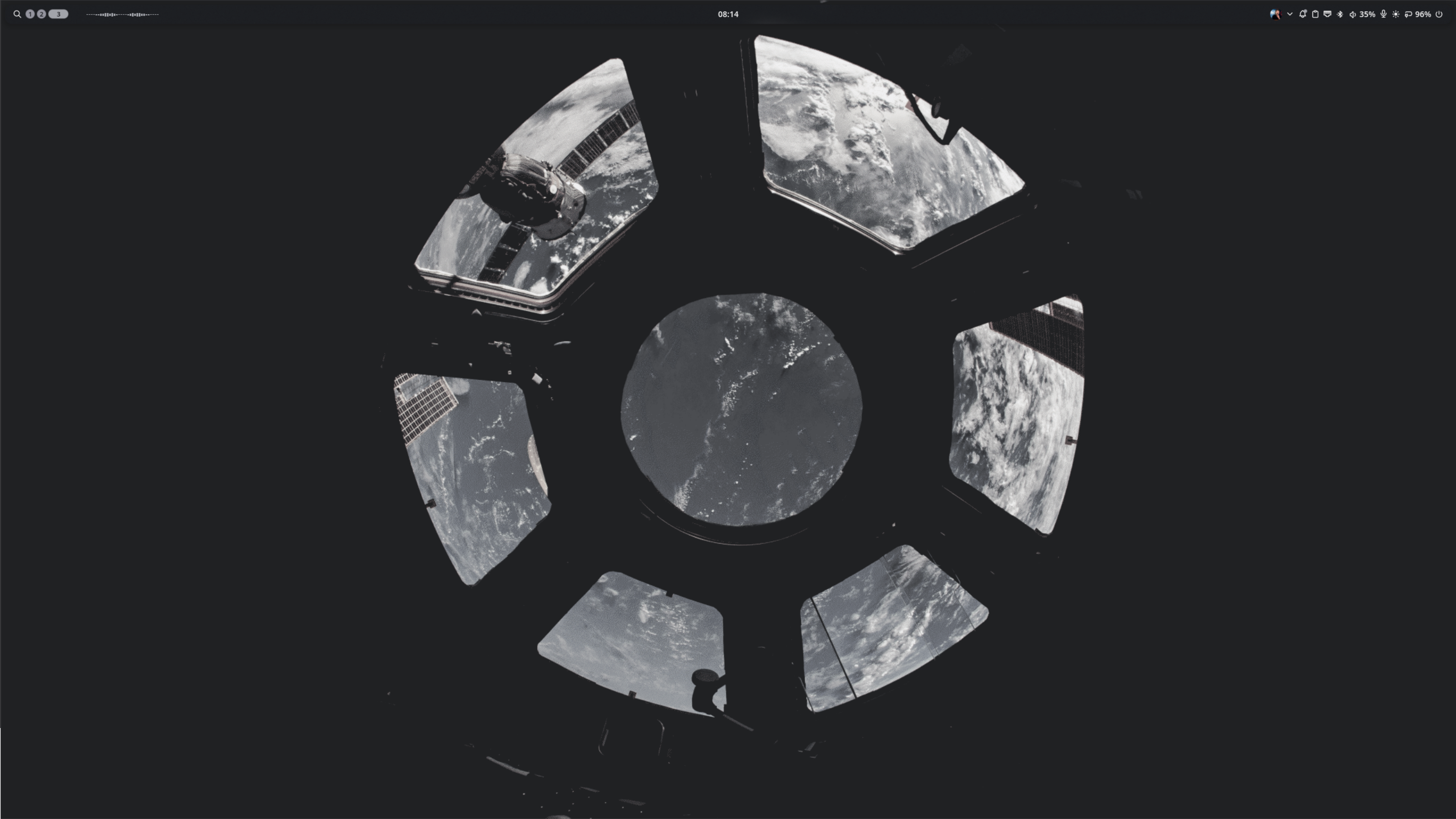
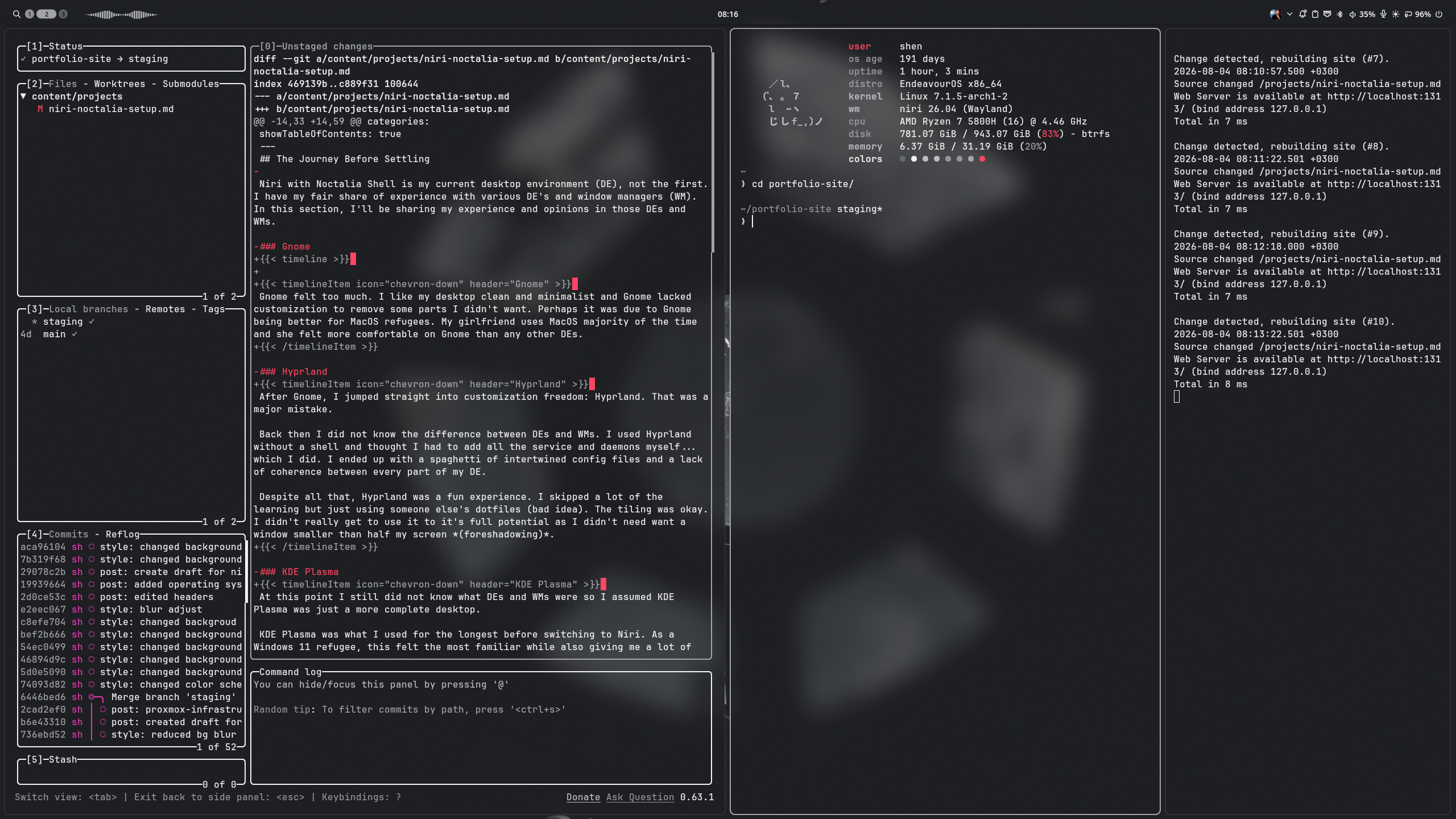
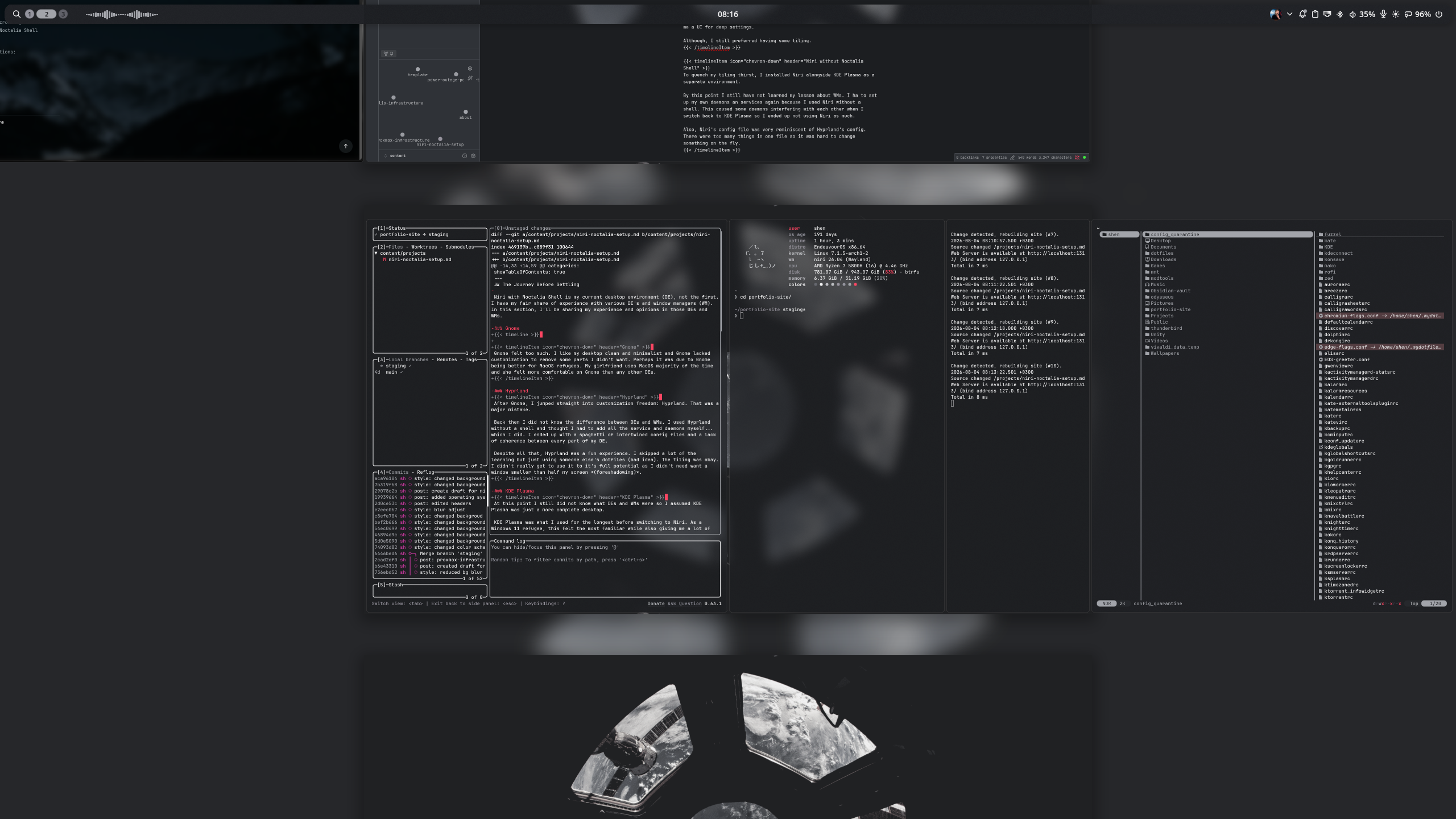
My daily driver is Niri paired with Noctalia Shell. Niri’s infinite scrollable tiling manager fits my workflow effortlessly, and Noctalia Shell ties it all together into a sleek, unified desktop.
Here is how each component is configured:
Niri #
By default, Niri uses a single monolithic configuration file. Since that gets cluttered fast, I adopted a modular config structure: (click the chart to see the code)
graph LR;
inputs.kdl --> config.kdl;
outputs.kdl --> config.kdl;
noctalia.kdl --> config.kdl;
layout.kdl --> config.kdl;
window-rules.kdl --> config.kdl;
startup.kdl --> config.kdl;
binds.kdl --> config.kdl;
cursor.kdl --> config.kdl;

click config.kdl "https://github.com/shen-nm/dotfiles/blob/main/niri/niri/config.kdl"
click inputs.kdl "https://github.com/shen-nm/dotfiles/blob/main/niri/niri/inputs.kdl"
click outputs.kdl "https://github.com/shen-nm/dotfiles/blob/main/niri/niri/outputs.kdl"
click noctalia.kdl "https://github.com/shen-nm/dotfiles/blob/main/niri/niri/noctalia.kdl"
click layout.kdl "https://github.com/shen-nm/dotfiles/blob/main/niri/niri/layout.kdl"
click window-rules.kdl "https://github.com/shen-nm/dotfiles/blob/main/niri/niri/window-rules.kdl"
click startup.kdl "https://github.com/shen-nm/dotfiles/blob/main/niri/niri/startup.kdl"
click binds.kdl "https://github.com/shen-nm/dotfiles/blob/main/niri/niri/binds.kdl"
click cursor.kdl "https://github.com/shen-nm/dotfiles/blob/main/niri/niri/cursor.kdl"
Splitting the .kdl files into dedicated modules makes quick adjustments infinitely easier. I highly recommend this approach if you’re building out a Niri setup!
Noctalia Shell #
Coming from having no shell whatsoever, Noctalia comes ridiculously feature-complete right out of the box. Instead of me having to stitch together half a dozen separate utilities (like Waybar for status, Dunst for notifications, and Swaylock for locking) and praying they don’t fight each other, Noctalia handles all of that in one sleek package.
What really sold me on it was how painless it is to configure. It actually has its own built-in GUI settings menu, meaning I don’t have to hunt down raw config files or tinker with CSS just to change a theme, tweak a widget, or adjust my color palette on the fly. Plus, because it’s built on Quickshell, the whole UI feels super snappy and responsive.
It essentially bridges the gap for me: I get the scrolling tiling layout I love from Niri, but with the polished, hassle-free experience of a full desktop environment.